How to Track and Optimize Your Brand Mentions in Mistral AI in 2026
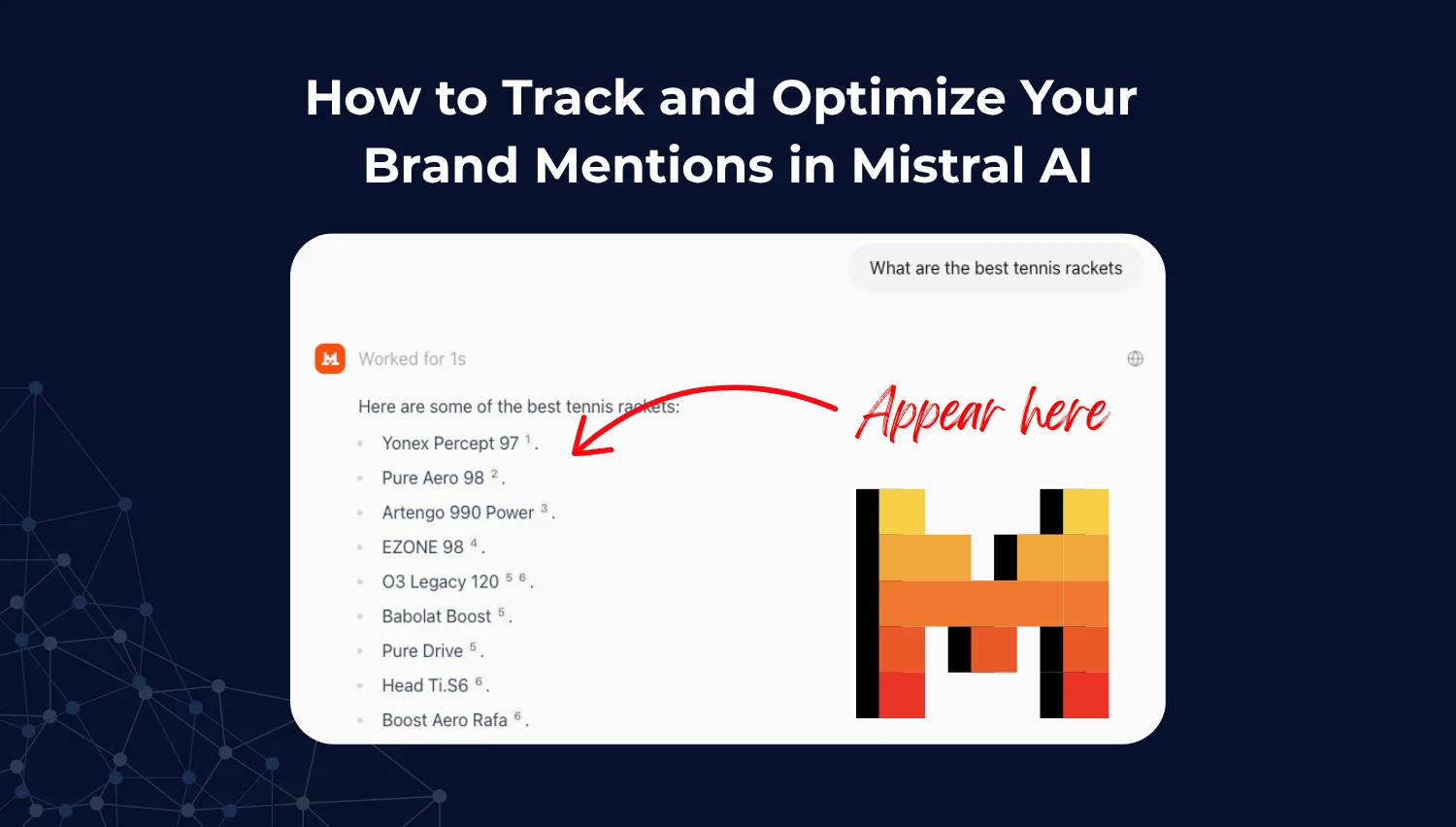
Mistral AI is quickly becoming one of the most influential players in the generative AI space. Known for its open-weight language models, such as Mistral 7B, Mixtral, and the newly released Mistral Next, the company has carved out a strong niche among developers, researchers, and startups building with Retrieval-Augmented Generation (RAG) workflows.
Unlike closed platforms like ChatGPT or Gemini, Mistral’s models are used across a wide range of applications — from local deployments to developer tools and LLM-based search assistants. That means your brand could be showing up in AI-generated content, search answers, chatbot outputs, or research assistants without you ever knowing.
If you care about brand accuracy and visibility in AI-native environments, it’s time to start monitoring how Mistral models reference you and how often. In this article, we’ll show you how to track your brand mentions in Mistral-powered applications using Keyword.com’s AI Visibility Tracker. You’ll also learn how to optimize your content to improve your presence across the open-weight AI ecosystem.
What Is Mistral AI and How Does It Work?
Mistral AI is at the forefront of developing open-weight LLMs, which are more accessible and customizable than traditional closed models. Their models are designed to be fast, efficient, and deployable anywhere, unlike proprietary ones requiring access through APIs like OpenAI or Anthropic.
Its models include:
- Mistral 7B: A powerful model that balances performance and efficiency.
- Mixtral: A model that combines different training methodologies for enhanced versatility.
- Mistral Next: The latest iteration, focusing on improved contextual understanding and response generation.
These models are used in a variety of ways:
- Embedded in RAG search engines and assistants
- Integrated into developer tools via Together.ai, Fireworks, and LlamaIndex
- Deployed locally in custom chatbots or enterprise software
Because Mistral’s weights are open, developers can fine-tune and adapt them to specific datasets or use cases, meaning your brand could be mentioned in a way that’s completely disconnected from your official messaging.
What Makes Mistral Different from Other Generative Platforms?
For brands and SEOs used to closed-loop ecosystems like Google or ChatGPT, Mistral introduces a new set of challenges and opportunities:
- Visibility and brand control: open-weight models allow brands to have more control over how their content is used and represented.
- Decentralized usage: Mistral doesn’t control how its models are deployed. You’ll find them powering everything from indie search engines to enterprise chatbots, making visibility harder to centralize.
- RAG-native adoption: Mistral is often used in Retrieval-Augmented Generation stacks. This means content from your site — if it’s structured and relevant — can get pulled directly into AI-generated answers.
- Multilingual by default: Mistral models are trained on diverse datasets. Brands operating across Europe, Asia, and beyond should account for multilingual inclusion.
Mistral AI Usage and Adoption Trends (2025)
Mistral isn’t just a fringe player. It’s a rapidly growing open-source alternative to OpenAI:
- As of mid-2025, Mistral models have been downloaded over 12 million times on Hugging Face
- GitHub forks and adaptations are rising weekly, especially in open-agent and RAG-related repos
- Top LLM hosting platforms like Together.ai and Fireworks.ai report strong Mistral usage
- Increasing inclusion in academic papers and research tools as a transparent, reproducible alternative
What does this mean for your brand? You’re more likely to be cited or paraphrased by tools you’ve never heard of, especially if your content is developer-facing or product-led.
Why You Should Monitor Your Brand Mentions in Mistral-Powered Applications
Here’s why it is worth tracking your brand mentions in Mistral AI:
1. It Helps You Control Your Brand Narrative
Mistral-based applications can summarize or paraphrase your brand without proper attribution. This lack of control can lead to misinformation or negative sentiment, making it essential to monitor how your brand is represented.
By tracking how Mistral-powered apps talk about your brand, you can:
- Spot misinformation and respond before it spreads
- Ensure accuracy in third-party deployments
- Influence how open-source fine-tuners present your content
2. You Can Monitor Competitors in Generative Search
Understanding how competitors are referenced in Mistral-powered outputs can provide valuable insights. By tracking which brands are included in community-trained RAG demos or tools, you can identify opportunities for differentiation.
Because Mistral-based tools are often customized, you may find your competitors:
- Featured more prominently in AI-generated summaries
- Cited more often in RAG outputs or knowledge bases
- Better positioned in developer workflows or agent stacks
Tracking mentions gives you insight into:
- How often you’re mentioned versus competitors
- Sentiment and tone used when describing each brand.
- Blind spots in your visibility across open-weight tools.
3. It Helps You Optimize Your Generative Search Strategy
Monitoring brand mentions in Mistral applications can reveal how these systems synthesize public data. By tracking the presence of your content in downstream generative results, you can refine your SEO and content strategies to enhance visibility.
Traditional SEO doesn’t cover Mistral-powered environments. These models operate on different retrieval logic, pulling from:
- Public datasets and technical documentation
- Structured content (like Markdown or developer wikis)
- Third-party reviews, case studies, and GitHub pages
Understanding how Mistral digests and synthesizes content helps you future-proof your SEO for AI-native environments.
Step-by-Step Guide: How to Track Mistral Mentions Using Keyword.com
There’s no centralized dashboard for Mistral usage. However, you can track how your brand appears in its Mistral outputs using Keyword.com’s AI Visibility Tracker.
Step 1: Sign up for AI Visibility on Keyword.com. You can purchase this as an add-on to your rank tracker account as an existing user. Or sign up for the standalone product.
Step 2: In your AI visibility dashboard, add your website URL. Then, add the prompts you want to track and select your tracking interval. Not sure what to track? Click on “Find Terms,” and our tool will suggest relevant prompts for your brand.
Step 3: Select “Mistral” from the drop-down for generative search platforms. Then click “save.”
Step 4: Keyword.com will automatically populate your AI visibility dashboard with relevant metrics, including:
- AI visibility score
- Sentiment score for your brand and tracked terms
- Citation data
- Average DeepSeek rankings over time.
You can also view competitors’ rankings or click on each metric to see the exact sources Mistral AI is pulling information from.
Mistral Optimization Strategies
Tracking is just step one. To improve your visibility in Mistral-based tools, optimize your content with these five AI search tactics.
1. Structure Content for RAG Compatibility
To enhance your content’s visibility in Mistral, use short paragraphs, strong introductions, and clean formatting. This makes it easier for LLM pipelines to parse your content effectively.
RAG systems pull snippets, not just pages. Help them parse your content by:
- Using short paragraphs and clear headings
- Summarizing key points at the top
- Answering questions in structured formats (Q&A, bullet points)
2. Publish in Markdown or Developer-Friendly Formats
Mistral’s most common users are developers. Make your content accessible in the formats they use:
- Markdown (especially for GitHub and documentation)
- Open data formats (JSON, YAML, CSV for public datasets)
- Tool-specific integrations or guides
3. Contribute to Open Tech Communities
Engaging with communities on platforms like GitHub and Hugging Face can boost your visibility. Contributing to open-source projects can lead to more mentions in Mistral-generated content.
In addition, being cited in datasets and tools increases the chances your brand shows up in responses.
- Submit PRs to popular repos with your brand’s integrations
- Publish tutorials or use cases on Hugging Face, GitHub, or Medium.
- Engage with open-source documentation hubs.
4. Translate Key Pages for Multilingual Inclusion
Given Mistral’s training on multilingual datasets, translating key pages can enhance your brand’s inclusion in diverse markets. Translate high-impact content into:
- French (default training language)
- Spanish, German, or local markets you serve
- Use correct hreflang implementation to signal language versions
5. Get Referenced in Community Datasets and Examples
Being cited in public datasets improves the likelihood of your brand being mentioned in Mistral outputs. Collaborate with developers to ensure your content is included in community-driven projects.
- Get your brand mentioned in comparison articles, developer blogs, and tool directories
- Collaborate on research papers or technical benchmarks.
- Encourage unbiased coverage of your product to increase surface area.
Track Your Brand Visibility in Mistral AI With Keyword.com
Mistral isn’t just for researchers. It’s quietly powering the next wave of generative tools, agents, and search interfaces. And because it’s open, it’s harder to control and easier to be misrepresented.
If you’re not tracking how Mistral-generated systems talk about your brand, you’re missing key visibility signals. Keyword.com’s AI Visibility Tracker helps you monitor, analyze, and optimize your mentions before they impact user perception or search visibility.
Start tracking your brand in Mistral today at Keyword.com.
Mistral AI Visibility FAQs
Find answers to common questions about monitoring Mistral AI visibility with Keyword.com.
1. How Can I Tell If Mistral Models Are Using My Content?
You can’t always know directly. But if your content is cited in Mistral-powered tools or appears in AI-generated summaries, Keyword.com’s AI Visibility Tracker can help surface those outputs.
2. What Tools Can I Use to Track Mentions in Mistral Applications?
Keyword.com, Otterly AI, and Peec.ai are LLM visibility trackers that support open-weight models. Keyword.com is one of the few tools that offers sentiment analysis, citation breakdowns, and prompt-level tracking for Mistral.
3. Can I Prevent Mistral from Using or Hallucinating My Brand?
Not completely. Open-weight models don’t respect robots.txt and aren’t bound by publisher restrictions. Your best defense is visibility: monitor outputs, optimize content, and proactively shape what models learn and generate.